Frame pacing and simulation
Important for high-refresh esports, busy multiplayer matches, strategy games and background tasks.
Check: socket, cores, cache, coolingNordic Rig Guide covers gaming PC parts, GPUs, monitors, benchmarks and buying decisions for Norway. Advice uses exact model names, practical tradeoffs and live retailer checks.
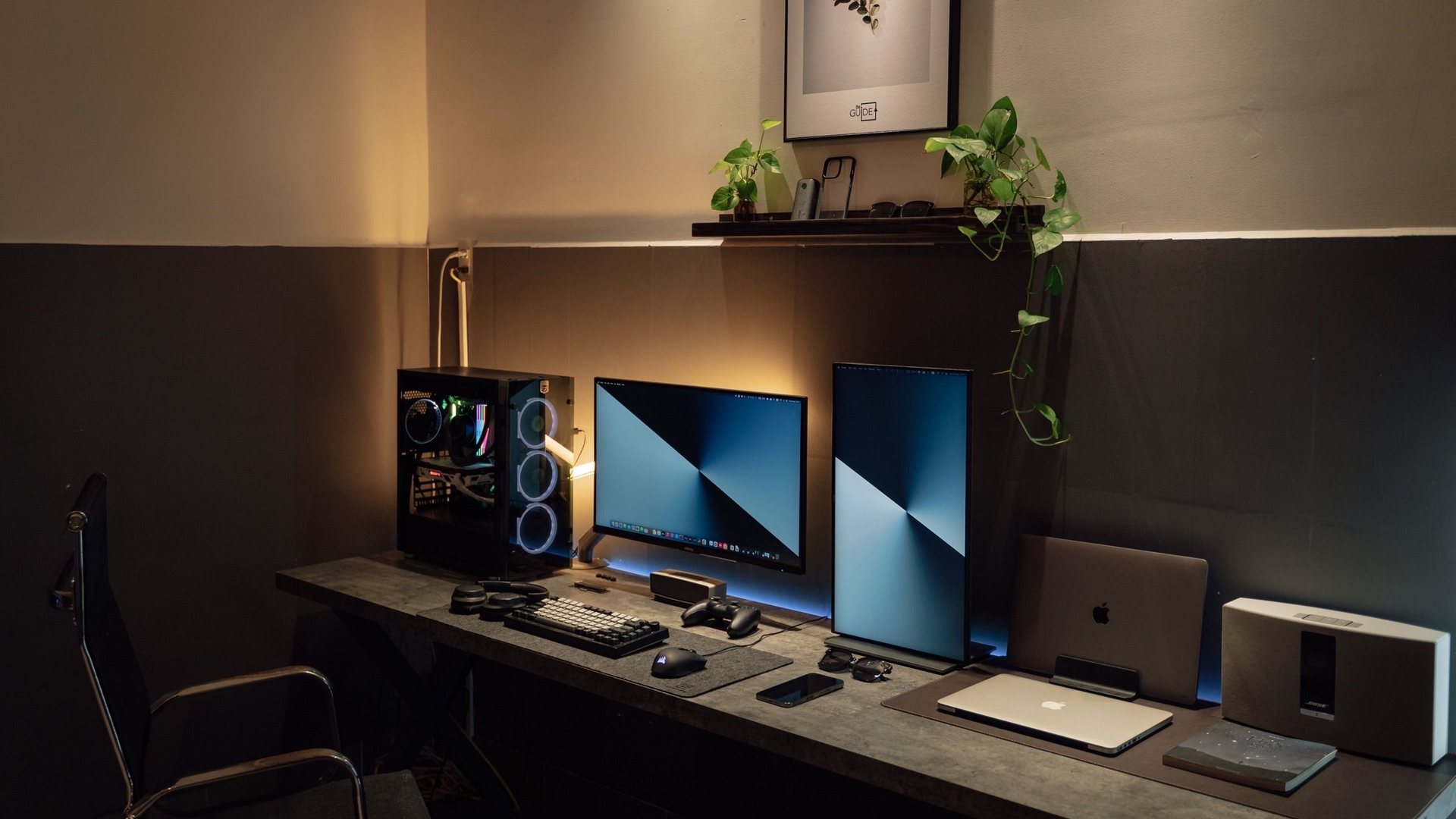
Start with the component that limits your games or workflow. More expensive does not automatically mean better balanced.
Important for high-refresh esports, busy multiplayer matches, strategy games and background tasks.
Check: socket, cores, cache, coolingDrives 1080p, 1440p or 4K rendering, ray tracing, upscaling and the VRAM available for textures.
Check: VRAM, power, case clearance16GB remains usable for many systems; 32GB gives more room for modern games, Discord, browsers and creation tools.
Check: DDR generation, capacity, kit profileAn SSD improves boot, loading and file access. Capacity and sustained behavior often matter more than headline speed.
Check: M.2 support, capacity, thermalsSix balanced parts lists for Norway. Every tier protects the PSU, dual-channel memory and enough SSD capacity before spending on cosmetics.
Monitor, GPU, cable and buying guides stay here. Game walkthroughs and streaming recommendations have their own desks.
A practical 1440p versus 4K gaming comparison for RTX 5080, RTX 5070-class and value builds, with monitor size and FPS advice.
Open guideCurved gaming monitor advice for 2026: ultrawide OLED, 32-inch 4K, 49-inch super ultrawide and what curve radius means.
Open guideA simple DisplayPort cable guide for 1440p 240Hz, 4K 240Hz and ultrawide OLED gaming monitors.
Open guideThe practical RTX 5080 monitor guide: 4K OLED, 1440p esports, ultrawide and budget picks for gamers buying in Norway.
Open guideA Norway-focused budget gaming setup guide covering PC parts, monitor choices, used deals, price alerts and where not to overspend.
Open guideA balanced Norway-focused comparison of Komplett and Proshop for PC parts, gaming monitors, delivery, returns, stock and basket pricing.
Open guideA clean benchmarking routine for gaming PCs: 3DMark, Cinebench, OCCT, HWiNFO, CapFrameX, FrameView and real-game testing.
Open guideUse repeatable runs, frame-time graphs and 1% lows to find the real bottleneck.