Cheap Gaming Setup in Norway: Spend Where FPS Actually Comes From
A Norway-focused budget gaming setup guide covering PC parts, monitor choices, used deals, price alerts and where not to overspend.
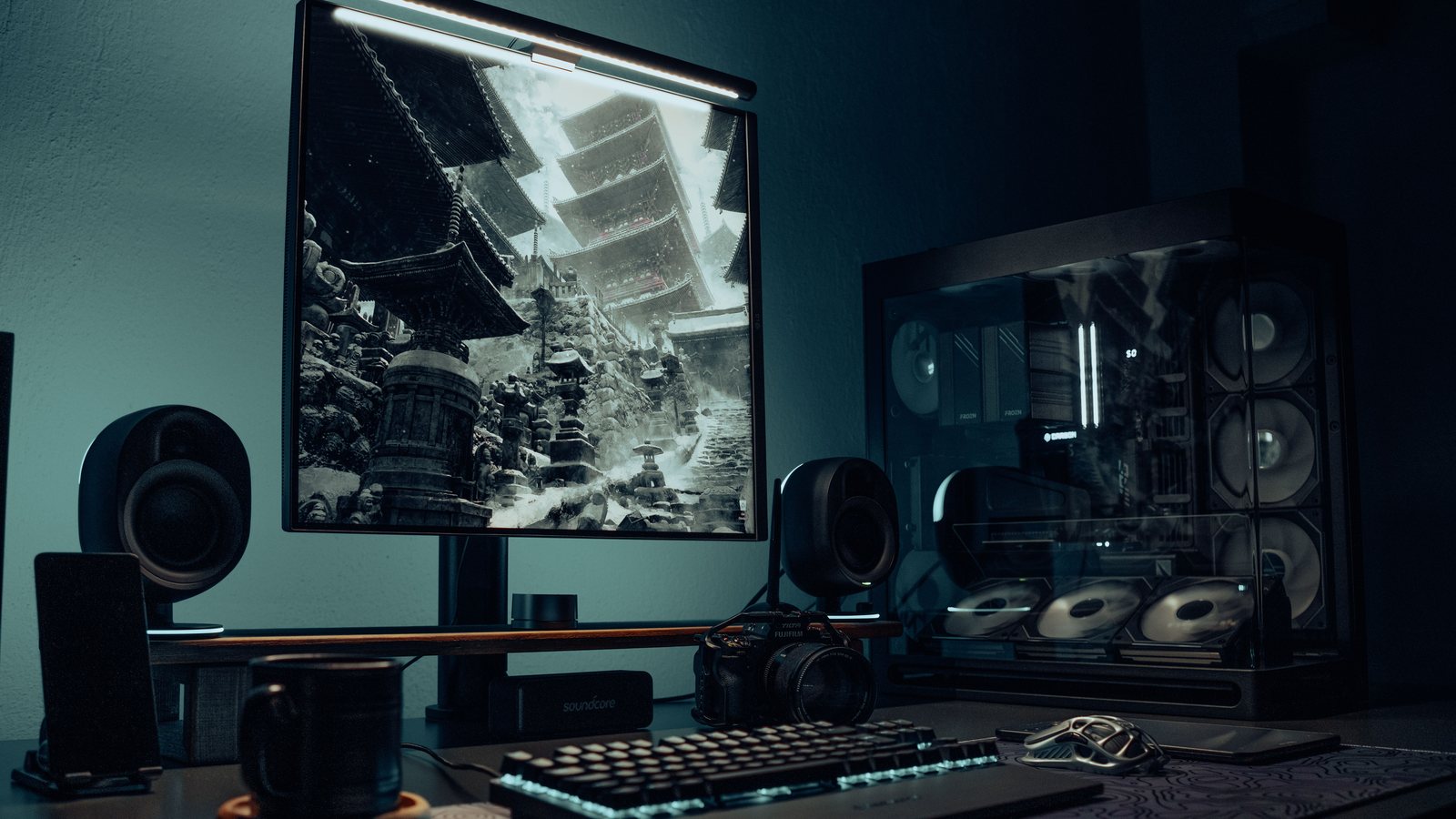 Photo by Atahan Demir on Pexels
For a cheap gaming setup in Norway, spend first on GPU, monitor and a reliable PSU. Target 1440p value instead of forcing 4K, use Prisjakt price alerts, compare Komplett and Proshop basket totals, and consider outlet or used parts for the case, cooler and monitor before compromising the graphics card.
The buying order is checked against Norwegian retailer ranges, Prisjakt comparisons and the hardware tiers used elsewhere on the site. Exact basket prices are intentionally not frozen into this guide because stock and campaigns change; the linked deals page carries the dated price checks.
Looks much better than 1080p while staying realistic for mid-range GPUs.
These decide performance, smoothness and long-term reliability.
Nice to have, but rarely improves game performance.
What people search for
Budget buyers want a practical shopping order for Norway, not a fantasy build based on US prices.
The budget order
Norwegian PC prices can swing hard between campaigns, stock shortages and currency changes. That makes a fixed parts list age quickly. A better method is to lock the performance target first, then buy the best current deal in each category.
For most budget gamers, the target should be 1440p high refresh. It gives a real upgrade over 1080p without requiring the most expensive GPU and monitor tier.
| Priority | ||
|---|---|---|
| 1 | Graphics card | Tiny factory overclocks |
| 2 | 1440p monitor | Unnecessary curved 27-inch panels |
| 3 | Quality PSU | Unknown brands with flashy wattage |
| 4 | 1TB or 2TB NVMe SSD | Heatsink marketing on budget drives |
| 5 | 32GB RAM | Extreme speeds with poor value |
Price brackets that make sense
Under a tight budget, 1080p is still valid. But if the setup is meant to last, 1440p should be the first upgrade goal. The monitor often survives multiple PC upgrades, so buying the right screen can be smarter than buying one GPU tier higher and staring at an old panel.
Used parts can help, but be selective. Used cases, air coolers and monitors are often reasonable. Used GPUs and PSUs need more caution because warranty, mining history and wear matter.
- Entry: 1080p esports now, 1440p later.
Norway deal workflow
Open Prisjakt first, then check Komplett, Proshop and other stores for basket total, stock, delivery date and return policy. A single part can be cheaper in one shop, but shipping or delayed stock can make the full build worse.
Use alerts for GPU and monitor models, not just category names. Retailer campaigns often rotate weekly, and the best buy is frequently a short sale rather than the product that looked cheapest yesterday.
- Compare the whole basket, not one component.
Norway buying shortcuts
Use these as starting searches, then compare exact model numbers, delivery and current terms before checkout.
FAQ
Is it cheaper to build or buy a prebuilt gaming PC in Norway?
Building is often cheaper for the exact parts, but prebuilts can win during campaigns or when GPU stock is limited. Compare the full spec, not only CPU and GPU names.
Should a budget setup use 1080p or 1440p?
Use 1080p for the lowest cost and esports. Choose 1440p if you can afford a decent GPU and want the setup to feel modern longer.
Where should I not save money?
Do not gamble on the PSU, monitor quality or storage size. Those mistakes are annoying long after the small saving is forgotten.
Sources and methodology
Guides combine official product documentation, display testing resources, public hardware trend data and Norway-focused retailer checks. Always verify live prices before buying.