Best Valorant Settings for PC: Clarity, FPS and Low Visual Clutter
Valorant PC video settings for clean visibility, stable high FPS and sensible presets on mainstream GPUs.
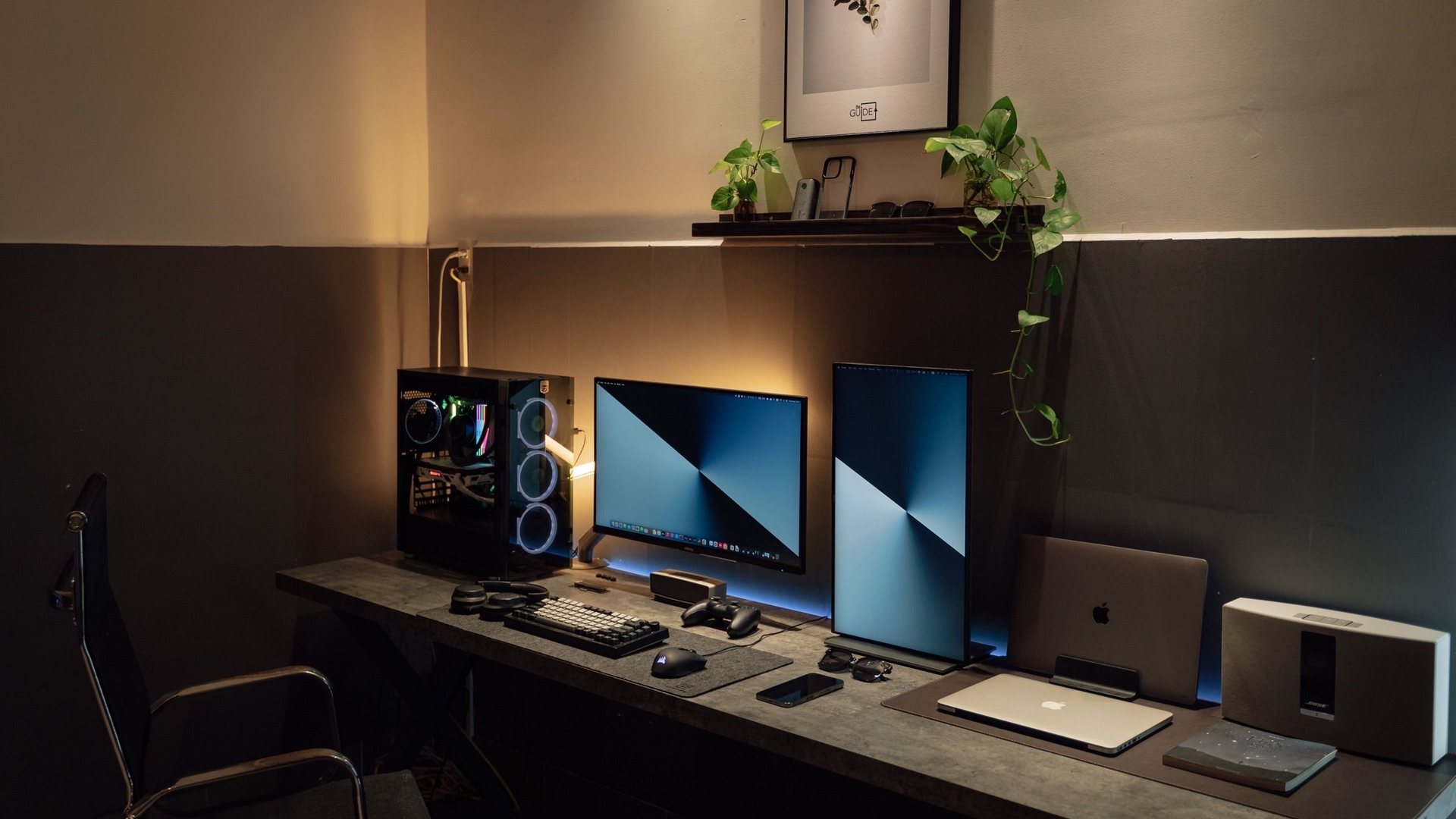 Photo by Minh Phuc on Pexels
Use fullscreen, V-Sync off, low material and detail where possible, bloom and distortion off, and a refresh rate that Windows actually uses. Valorant runs well on many PCs, so fix 60 Hz Windows mistakes before buying hardware.
Keeps agents and abilities easier to read.
The most common hidden FPS problem.
Covers mouse, network and system stack.
What people search for
Valorant players want fast settings that keep agents readable without unnecessary blur or post-processing.
Recommended video settings
| Setting | ||
|---|---|---|
| Display mode | Fullscreen | Simplest latency path for most players. |
| V-Sync | Off | Avoid added delay in ranked games. |
| Material quality | Low | Less visual noise during duels. |
| Detail quality | Low | Helps weaker GPUs stay stable. |
| Bloom / distortion | Off | Improves readability. |
| Limit FPS | Off or stable cap | Cap only if pacing improves. |
GPU tier notes
Valorant is forgiving on GPU, which makes CPU, refresh rate and input path more important than ultra textures.
If you already exceed your monitor refresh rate, invest in mouse feel, desk space and network stability before a flagship GPU.
| Hardware | ||
|---|---|---|
| Integrated / old laptop | 1080p 60–144 FPS | Close background apps; use wired network. |
| RTX 3060 / RTX 4060 | 144–240 FPS at 1080p | Prioritize Hz and clarity over effects. |
| RTX 5070+ / high refresh | 240 Hz stable | Measure 1% lows during utility-heavy rounds. |
After settings: system checks
Confirm Windows display refresh, disable unnecessary overlays, and test one unrated or deathmatch block after each major change.
For deeper latency tuning, open the CS2 and Valorant low-latency setup guide.
Gaming guide scope
This guide is written for players everywhere. Norway-specific retailer, warranty and price comparison advice belongs in the hardware buying guides, not in game tutorials.
FAQ
Does Valorant need a powerful GPU?
Not usually. Refresh rate, CPU stability and clean input matter more for most ranked players.
Should I use NVIDIA Reflex in Valorant?
On supported GeForce cards, test Reflex on and compare feel in a fixed aim routine before deciding.
Why does Valorant feel fine but CS2 does not?
CS2 can punish CPU and frame pacing harder in chaotic scenes. Tune each game separately.
Sources and methodology
Game guides combine official game sources, creator documentation, public hardware trend data and practical settings methodology. Hardware buying details are kept separate unless the game itself creates a clear PC requirement.