
Popular PC Games Settings Hub: Roblox, Fortnite, Minecraft, Valorant, CS2 and Battlefield
Start here for popular PC game settings, then open the focused guide for the game you have open right now.
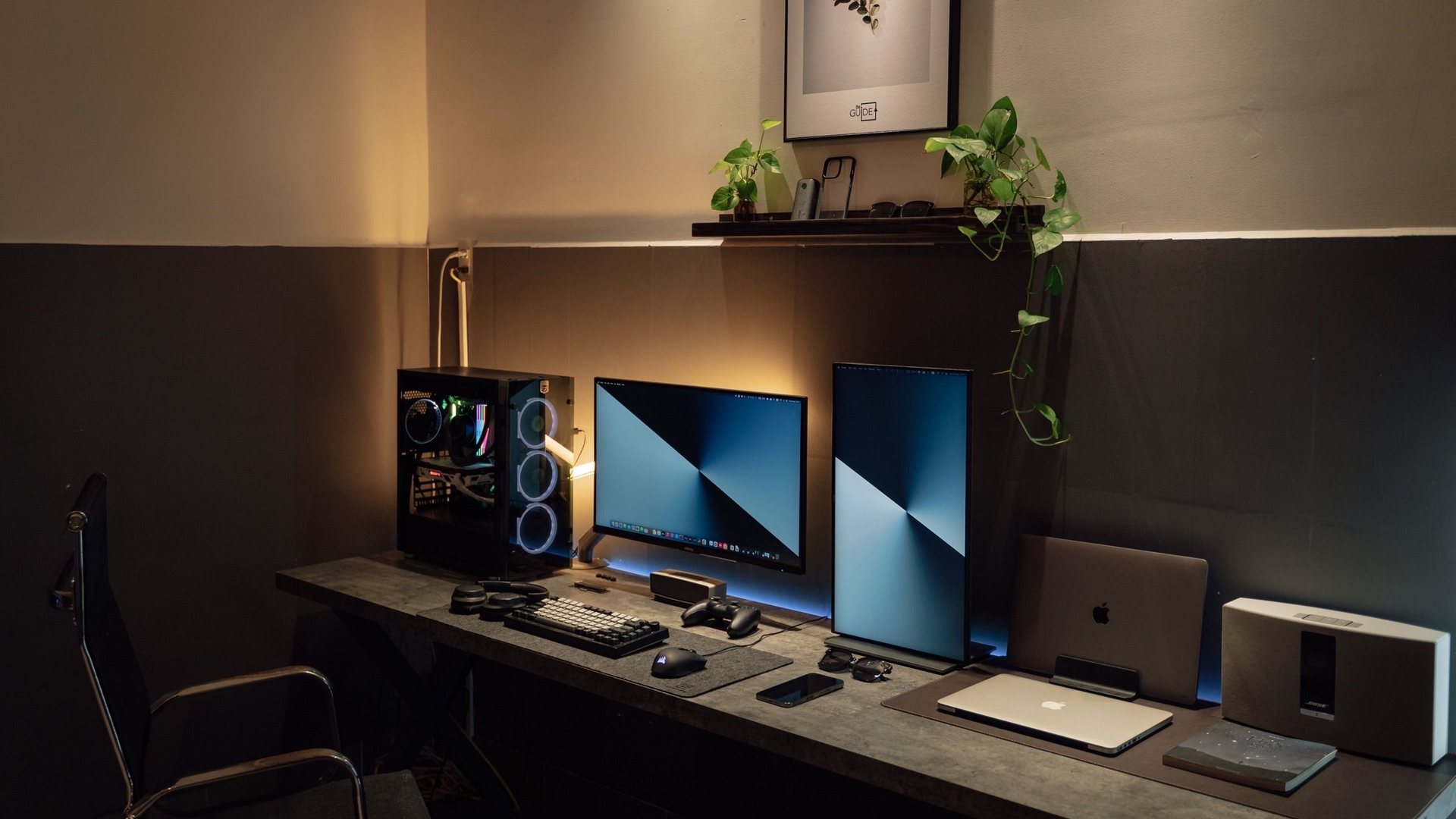 Photo by Minh Phuc on Pexels
Do not tune every game the same way, and do not assume every player owns an RTX 5080. Roblox and Minecraft reward a clean system, CPU comfort and enough RAM. Fortnite, Valorant and CS2 reward low latency and high refresh. Battlefield and AAA games need GPU settings, upscaling choices and 1% low checks across common GeForce, Radeon and Intel Arc cards.
Steam's hardware survey keeps showing that practical settings must cover mainstream and older cards, not only flagships.
These are the cards many buyers compare for modern 1080p, 1440p and creator-friendly gaming builds.
Fortnite, Valorant and CS2 often feel better with clarity and consistency than with every effect set to ultra.
Battlefield-style chaos and cinematic games need smarter presets, not just bigger average FPS numbers.
What people search for
Players want to know which settings actually matter in the games they play, instead of copying one generic graphics preset for everything.
Separate hardware location from gaming advice
Gaming advice should work for players everywhere. A Valheim route, Roblox Studio lesson, Fortnite latency checklist or CS2 visibility tip does not become Norway-specific just because the site also has Norway buying guides.
Hardware buying is different. That is where local retailer stock, exact SKU names, warranty, shipping, return windows and price comparison matter. Keep those details in Norway buying sections, and keep game settings global.
GPU tiers most players actually need
A useful gaming settings guide must cover the cards people actually use and buy. The RTX 5080 is important for premium 4K and high-refresh testing, but most players are on midrange, older or laptop GPUs.
Use the GPU tier as a starting point, then tune by game. A competitive shooter on an RTX 3060 can feel better than a maxed-out AAA preset on a much stronger GPU if the frame pacing is cleaner.
| GPU tier | |||
|---|---|---|---|
| Older and budget | GTX 1650, GTX 1660, RTX 2060, RX 580, RX 6600 | 1080p low/medium, esports, Roblox, Minecraft | Prioritize visibility, stable FPS and lighter textures. |
| Common mainstream | RTX 3060, RTX 3050, RTX 4060, RTX 4060 Laptop | 1080p high, 1440p tuned, competitive shooters | Use high textures only when VRAM allows; avoid heavy ray tracing. |
| Modern value | RTX 5060, RTX 5060 Ti, RTX 5070, RX 9060 XT, Arc B580 | 1080p ultra, 1440p high, creator/gaming mix | Test upscaling quality and frame generation per game, not blindly. |
| Upper midrange | RTX 4070 / Super, RX 7800 XT, RX 7900 GRE, RTX 5070 Ti | 1440p high refresh, ultrawide, demanding AAA | Tune shadows, reflections and RT before reducing core clarity. |
| Premium | RTX 5080, RTX 5090, RX 9070 XT and similar flagship-class cards | 4K, 1440p very high refresh, heavy creation workflows | Still measure 1% lows; flagship power does not fix bad settings. |
Fast settings map
Popular games stress PCs in different ways. That is why one universal settings list is weaker than a game-by-game tuning habit. Start with the game you play most, then tune the bottleneck that game actually exposes.
| Game | |||
|---|---|---|---|
| Roblox | Stable Windows, CPU comfort, network and clean client | Close extra overlays and keep graphics at a smooth level. | Runs on modest GPUs; RAM/CPU comfort often matters more. |
| Roblox Studio | RAM, SSD and workspace comfort | Use Explorer/Properties clearly and save/test often. | Any recent GPU is fine for learning; spend on memory and monitor comfort first. |
| Minecraft | CPU, RAM, storage and mod/shader choices | Avoid heavy shader packs until vanilla performance is stable. | Shaders can turn a light game into a GPU-heavy one. |
| Fortnite | Latency, visibility and stable high FPS | Try a competitive preset before chasing ultra graphics. | RTX 3060/4060-class cards can be excellent with sane settings. |
| Valorant | CPU, latency and monitor refresh | Keep visuals clean and make sure Windows uses the monitor's max Hz. | Very high-end GPUs are often overkill unless paired with high refresh. |
| Counter-Strike 2 | CPU, frame pacing and clarity | Tune for stable 1% lows instead of a pretty average FPS. | Older GPUs can work, but CPU and frame pacing matter a lot. |
| Battlefield | GPU settings, CPU spikes and chaotic maps | Lower heavy effects and watch 1% lows in busy scenes. | Use DLSS/FSR/XeSS where image quality is acceptable. |
Why game choice matters more than specs
A huge graphics card does not automatically fix every game. Some popular competitive games are CPU-sensitive. Some creative games become memory-heavy because of mods, Studio panels or browser tabs. Some AAA games are GPU-heavy and benefit from DLSS or careful ray tracing choices.
The smarter buying question is not just 'what is the best PC?' It is 'what is the best PC for the games I actually open every week?'
For Roblox and Minecraft players
Roblox and Minecraft are friendly to modest PCs, which makes them great for first setups. The hidden upgrade is comfort: enough RAM, an SSD, a responsive browser, and a monitor that makes tutorials and Studio panels easy to read.
If the PC is for a young gamer or beginner creator, spend first on reliability, storage and a good everyday setup. A giant GPU can wait until shaders, heavier games, recording or creation workflows demand it.
- Choose 16 GB RAM when Roblox Studio, Discord and browser tabs will run together.
For competitive shooters
Fortnite, Valorant and CS2 are where high-refresh monitors become easy to justify. The point is not only high average FPS. The point is less delay between input, screen update and reaction.
- Set Windows to the monitor's maximum refresh rate.
For Radeon and Intel Arc players
Not every optimization guide should assume GeForce. Radeon and Intel Arc players should still get useful advice: update drivers, test the game's native upscaler choices, check frame pacing, and avoid copying NVIDIA-only settings as if they apply everywhere.
For AMD cards, compare native rendering with FSR where available. For Intel Arc, keep drivers current and test XeSS in supported games. The best answer is the one that looks clean and feels responsive in the game you actually play.
- Use the game's own benchmark or a repeatable scene before judging a setting.
For cinematic AAA games
Battlefield-style chaos and cinematic AAA games are where GPU tuning matters more. High textures can look great, but heavy shadows, reflections, ray tracing and effects can punish frame pacing.
This is where DLSS, sensible presets and benchmark habits connect back to the rest of the site. A beautiful game still needs smooth 1% lows to feel expensive.
Focused game guides
Use the hub table below to pick the right bottleneck, then open the dedicated page for copy-paste presets, GPU-tier tables and troubleshooting steps.
Fortnite, CS2, Valorant, Minecraft and Roblox each have their own guide. Battlefield uses the GPU-tier settings page. For monitor, mouse and Windows latency, use the CS2 and Valorant low-latency setup guide.
- Fortnite FPS settings — competitive presets and Performance Mode vs DX12.
Gaming guide scope
This guide is written for players everywhere. Norway-specific retailer, warranty and price comparison advice belongs in the hardware buying guides, not in game tutorials.
FAQ
What popular game should I optimize first?
Start with the game you play most. Tune Roblox and Minecraft for comfort and stability, competitive shooters for latency, and AAA games for GPU settings and 1% lows.
Is a high-end GPU needed for Roblox or Minecraft?
Not usually for basic play. Roblox Studio, Minecraft mods and shaders can still benefit from a smoother PC, but CPU, RAM, SSD and monitor comfort often matter first.
Are Fortnite and Valorant better at 1440p or 4K?
For competitive play, 1440p high refresh is usually the better target. 4K is nicer for visual games, but high refresh and low latency matter more in aim-heavy shooters.
Sources and methodology
Game guides combine official game sources, creator documentation, public hardware trend data and practical settings methodology. Hardware buying details are kept separate unless the game itself creates a clear PC requirement.