Best Games to Test a New Gaming PC: What Each Game Actually Proves
A practical list of games and benchmarks to test a new gaming PC for ray tracing, CPU limits, cooling, storage and esports FPS.
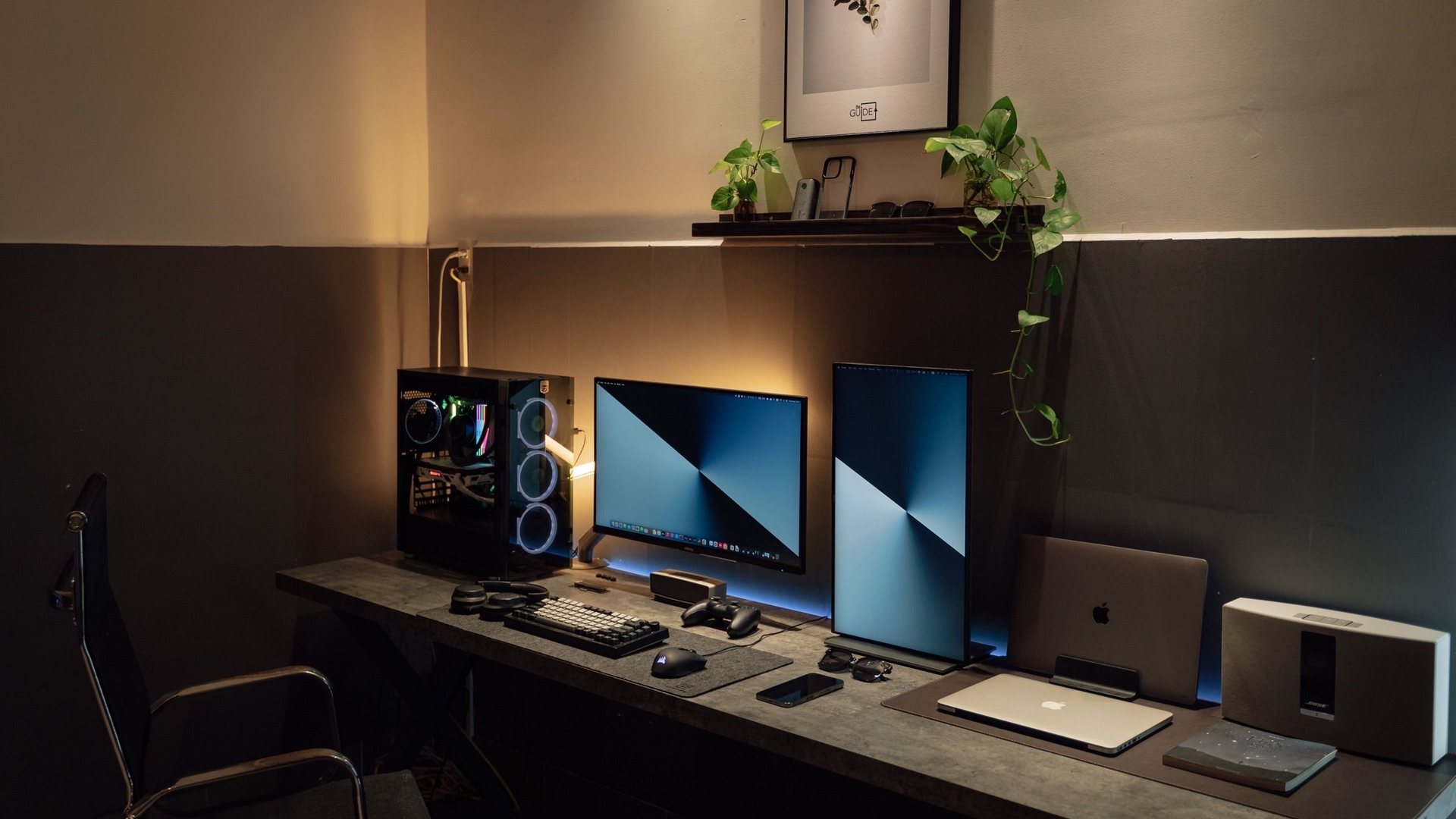 Photo by Minh Phuc on Pexels
Use a mix of games: one heavy ray-tracing title, one open-world game, one competitive shooter, one CPU-heavy sim or strategy game, and one repeatable synthetic benchmark. That combination tests GPU, CPU, cooling, storage and frame pacing better than any single game.
Shows whether DLSS, ray tracing and GPU cooling are behaving.
Good for stutter, shader compilation and visual stress.
Reveals CPU limits, latency and 1% lows.
Useful for comparing against similar hardware.
What people search for
New PC owners want to know what to install first to check performance, stability and whether the build feels expensive enough.
Do not test with one game
A new PC can look great in one benchmark and still stutter in your favorite game. Different games stress different parts of the system. Ray tracing loads the GPU. Esports can hit the CPU. Big open-world games reveal storage, shader and memory behavior.
The goal is not to win the internet. The goal is to confirm that your own machine is stable, cool and performing near what similar hardware should deliver.
| Test type | ||
|---|---|---|
| Ray tracing game | GPU power, DLSS, VRAM and cooling | GPU temperature, fan noise, FPS with RT on/off |
| Competitive shooter | CPU performance and latency | 1% lows, input feel, frame pacing |
| Open-world game | Streaming and stutter | Traversal stutter, shader compilation, SSD behavior |
| Sim or strategy | CPU and memory pressure | Late-game FPS, CPU usage, RAM use |
| Synthetic benchmark | Baseline score | Compare to similar CPU/GPU combos |
A clean first-night routine
- Install chipset, GPU and Windows updates first.
What counts as a problem
One crash during a brand-new game patch is not proof that the PC is broken. Repeated crashes across several games are different. So are sudden black screens, extreme temperatures, RAM errors or performance far below similar builds.
If the system is unstable, undo overclocks, check cables, update BIOS only when needed, and test memory before blaming the game.
Performance guide scope
This guide is written for players everywhere. Norway-specific retailer, warranty and price comparison advice belongs in the hardware buying guides, not in FPS, settings or benchmarking pages.
FAQ
What is the best game to benchmark a new RTX PC?
A heavy ray-tracing game is the best visual stress test, but it should be paired with a competitive shooter and a repeatable benchmark.
How long should I test a new gaming PC?
Do a quick baseline on day one, then use the PC normally for a week while watching temperatures, crashes and stutter in your actual games.
Are synthetic benchmarks enough?
No. They are useful for comparison, but real games reveal stutter, shader issues and input feel that scores cannot fully explain.
Sources and methodology
Performance guides combine official documentation, benchmark tools, public hardware trend data and repeatable testing habits. Always measure your own system before changing several settings at once.